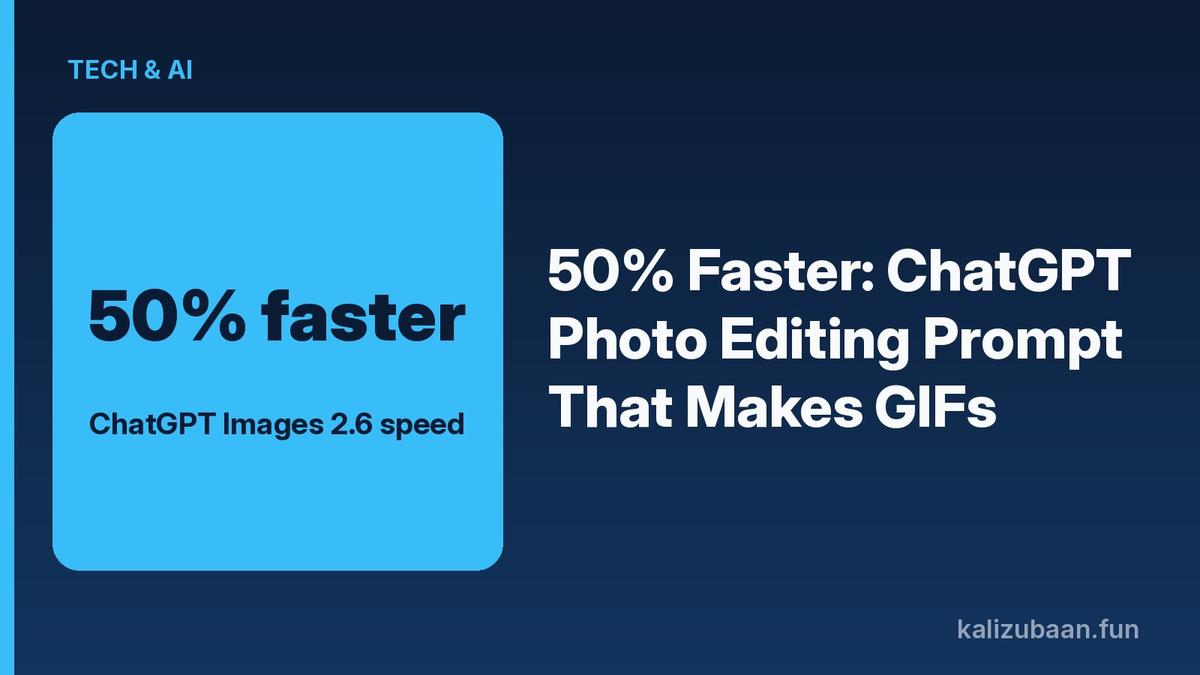
50% Faster: ChatGPT Photo Editing Prompt That Makes GIFs
OpenAI's Images 2.6 update makes ChatGPT photo editing prompts faster and adds native GIFs. Here is what changed, the prompts that work, and how Indians can use the ChatGPT AI image generator today.
People now create 4 billion images a week inside ChatGPT and its API. That is the scale behind the new ChatGPT photo editing prompt wave, and OpenAI just made the tool faster and able to spit out animated GIFs from a single ask.
Quick answer
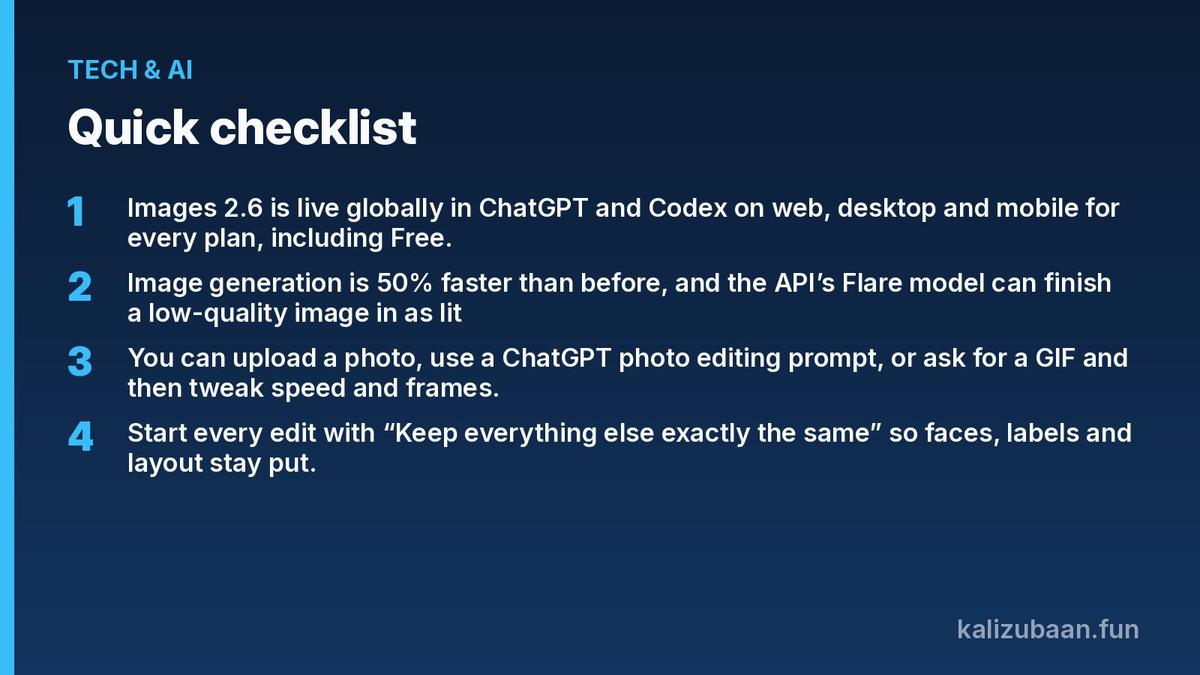
- Images 2.6 is live globally in ChatGPT and Codex on web, desktop and mobile for every plan, including Free.
- Image generation is 50% faster than before, and the API’s Flare model can finish a low-quality image in as little as six seconds.
- You can upload a photo, use a ChatGPT photo editing prompt, or ask for a GIF and then tweak speed and frames.
- Start every edit with “Keep everything else exactly the same” so faces, labels and layout stay put.
What is new in ChatGPT Images 2.6?
Images 2.6 is OpenAI’s latest image model in ChatGPT, and it focuses on speed, cleaner edits and native GIF creation.
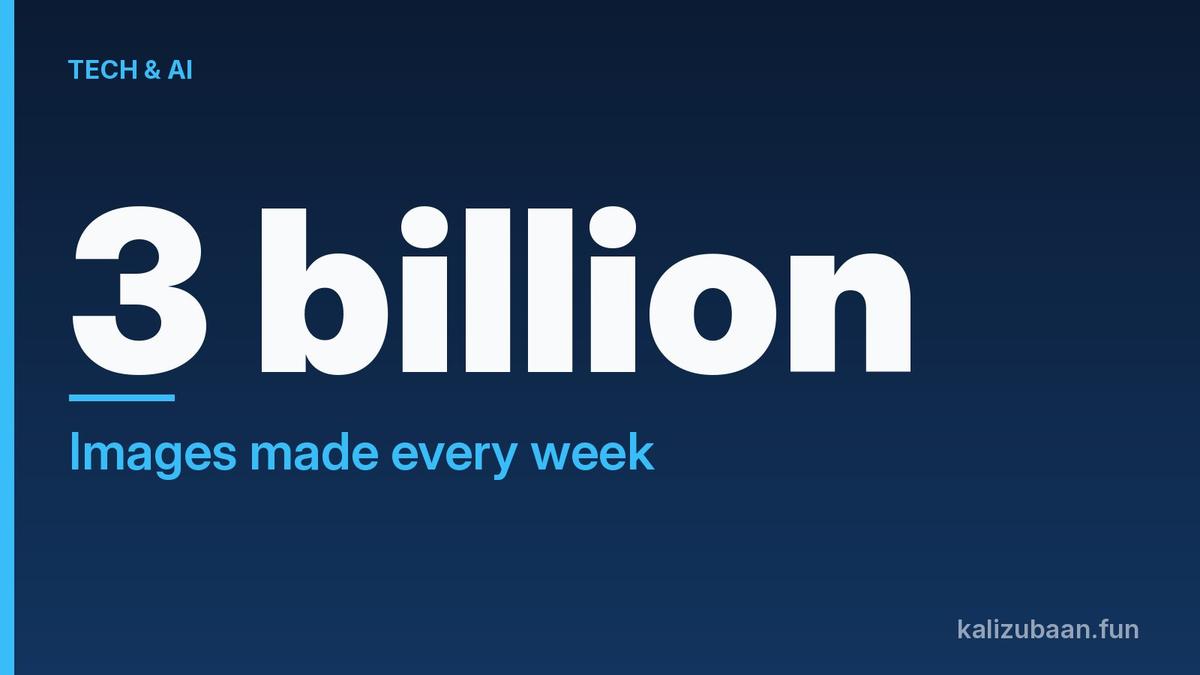
OpenAI says Images 2.6 generates images 50% faster than before, and people now create 4 billion images per week across ChatGPT, Codex and the API (OpenAI). The Verge notes that figure is up from 3 billion per week in September (The Verge).
The update is available globally across all ChatGPT subscription tiers on desktop, mobile and web. Developers also get GPT-Image-2.6 Flare and Sunburst in the API, with Flare aimed at quick drafts and Sunburst at higher-detail work.
For anyone searching for a ChatGPT AI image generator in India, nothing extra is needed: open ChatGPT, tap Images or just describe what you want, and the new model answers.
How do you write a ChatGPT photo editing prompt that works?
A strong ChatGPT photo editing prompt names the change and locks everything else, then uses the Select tool when only one area should move.
The How-To Post’s rule is simple: start with “Keep everything else exactly the same,” then say what to remove, replace or restyle (The How-To Post). On phone or desktop you upload the photo, describe the change, open the result, tap Select, brush the spot, and send a second prompt for that area only.
Useful copy-ready lines:
- Remove clutter: “Remove the trash can and the parked car on the left. Fill in the background naturally. Keep everything else exactly the same.”
- Studio product shot: “Place this candle on a white marble counter with soft natural window light. Keep the label text exactly as it is.”
- Transparent cut-out: “Remove the background completely and make it transparent. Keep only the coffee mug.”
- Soft restyle: “Turn this family photo into a soft watercolor painting. Keep everyone recognizable and in the same positions.”
OpenAI itself says highlights are not always precise and edits can spill past the selected area, so check the full image after every change.
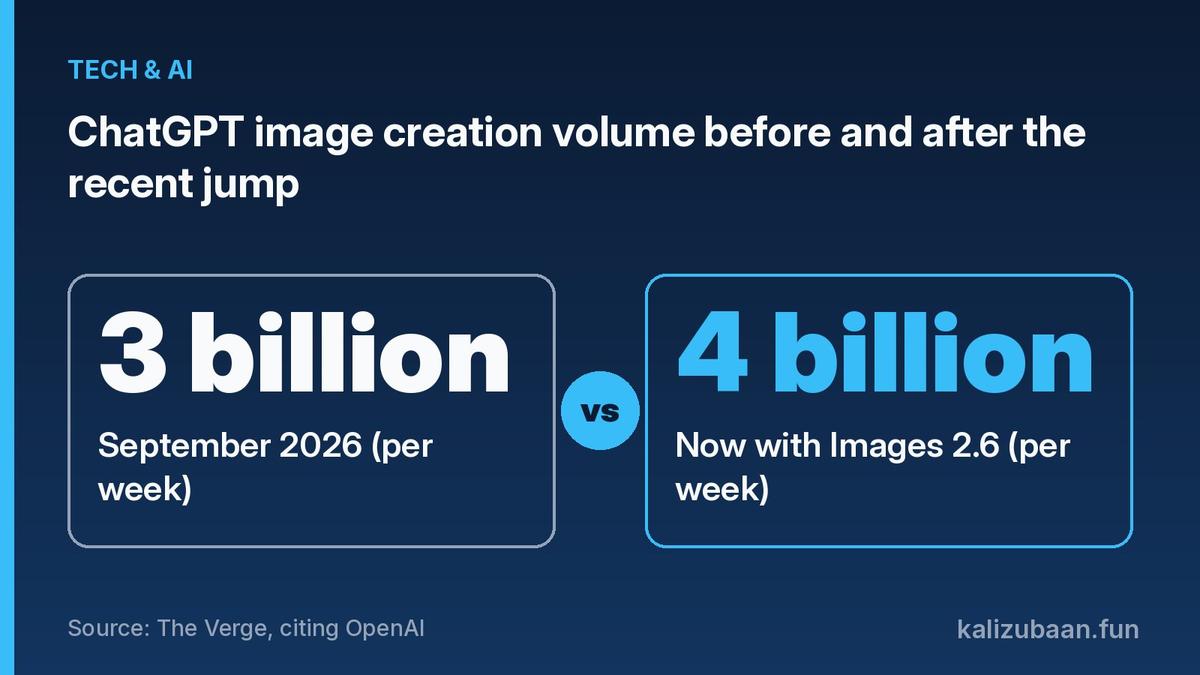
Source: The Verge, citing OpenAI
What most guides miss: Images 2.6 is not only a ChatGPT AI image generator for new pictures. The same chat can edit your own photos with Select, then turn that result into a looping GIF without leaving ChatGPT, which is the step most “prompt lists” still skip.
Can ChatGPT turn a photo into a GIF now?
Yes. ChatGPT can create animated GIFs from a text prompt or from a photo you upload, then let you change playback speed and edit frames.
The Verge reports that before Images 2.6, ChatGPT could not natively generate GIFs in a single step; now you can ask something like “can you make a gif of a cat dancing?” and adjust speed frame by frame (The Verge). TechRadar tested the same flow on a pet photo and found ChatGPT can save the original as a named reference image so later prompts reuse the face without another upload (TechRadar).
That matters for Indian creators posting on WhatsApp Status, Instagram Reels covers or Telegram stickers: one upload, one ChatGPT photo editing prompt, then a GIF export without a separate animation app.
Is Images 2.6 free for users in India?
Yes for ChatGPT use. OpenAI says Images 2.6 is available globally today in ChatGPT and Codex across all subscription tiers, so Free, Plus and higher plans in India can use it on web, desktop and mobile (OpenAI).
API access is separate. Flare and Sunburst are billed API models for apps and products; everyday ChatGPT photo editing prompts do not require an API key. Limits and queue times can still differ by plan during busy hours, so heavy GIF batches may feel snappier on a paid plan even when Free can run the same tools.
Practical tips for India:
- Prefer English or clear Hinglish prompts; name the object you want kept (“keep the saree colour and the face unchanged”).
- Edit one thing per prompt so faces and Devanagari text on signs do not drift.
- Save a good version before the next edit, then continue from that frame if the model wanders.
FAQs
What is the best ChatGPT photo editing prompt starter?
Start with “Keep everything else exactly the same,” then name the single change you want. That line alone cuts most unwanted redraws of faces and backgrounds.
Does ChatGPT Images 2.6 work on the free plan?
Yes. OpenAI says Images 2.6 is available across all ChatGPT subscription tiers on desktop, mobile and web, including Free.
Can I use ChatGPT as an AI image generator and a photo editor in one chat?
Yes. You can generate a new image, upload your own photo to edit it with Select, or turn a still into a GIF without switching tools.
How fast is Images 2.6 compared with the old model?
OpenAI says image generation is 50% faster than before, and the API’s Flare model can produce a low-quality image in as little as six seconds.
Expert review: pending.
This is a product explainer based on OpenAI and publisher reports, not investment or legal advice. Check ChatGPT’s own help pages for current limits in your account.
Related reading
- 3 Billion Images a Week: ChatGPT Image Editor Online Free Guide
- $10 Billion Cut: Why OpenAI's Funding Round Valuation Fell
- 13 New Voices: ChatGPT Hindi Now Talks as Neer and Leher
Sources
Tagged Topics
Keep reading
Thanks for reading Kali Zubaan
Explore more articles in Tech & AI or return to the main publication feed.